
As operators shoulder more responsibility with fewer resources, modern HMI software delivers adaptable interfaces aligned with industry standards to improve situational awareness, reduce errors and help teams respond faster to process deviations.
Human-machine interface software design insights
- Modern human-machine interface (HMI) software improves operator situational awareness.
- Adaptable HMIs aligned with industry standards decrease risk of operator errors
- HMI software should help teams respond faster to process deviations to improve quality and decrease waste.
Operators working with legacy tools often face significant situational awareness challenges. An operator might be responsible for tracking a process across a chaotic rainbow of cluttered screens, unable to discern the plant’s health through a sea of distracting colors and inconsistent icons. In the absence of hierarchical navigation and contextual cues, identifying a single failing asset may require navigating dozens of screens, consuming valuable time while minor process deviations escalate.
When an alarm finally trips, it is often buried in a flood of low-priority alerts, leaving the operator to guess at the root cause. Compounding this risk, supervisors may be monitoring separate displays with delayed or inconsistent data, creating gaps in shared understanding during abnormal situations. Under these conditions, manual interventions become reactive and uncertain, increasing the likelihood of operational errors and safety incidents. Such challenges are common and serious, but they are also preventable with the right digital tools.
One of the most important tools an operator will rely upon in these situations is the human-machine interface (HMI) of the distributed control system (DCS). According to International Society of Automation (ISA) guidelines, a graphic should make it possible for an operator to know, within a few seconds, if everything is running at an optimum condition, but traditional HMIs often make it challenging for operators to identify process issues quickly. Cluttered displays, complex navigation, inconsistency and poor decision support can all delay operator awareness, potentially leading to unplanned downtime, equipment damage and/or safety incidents.
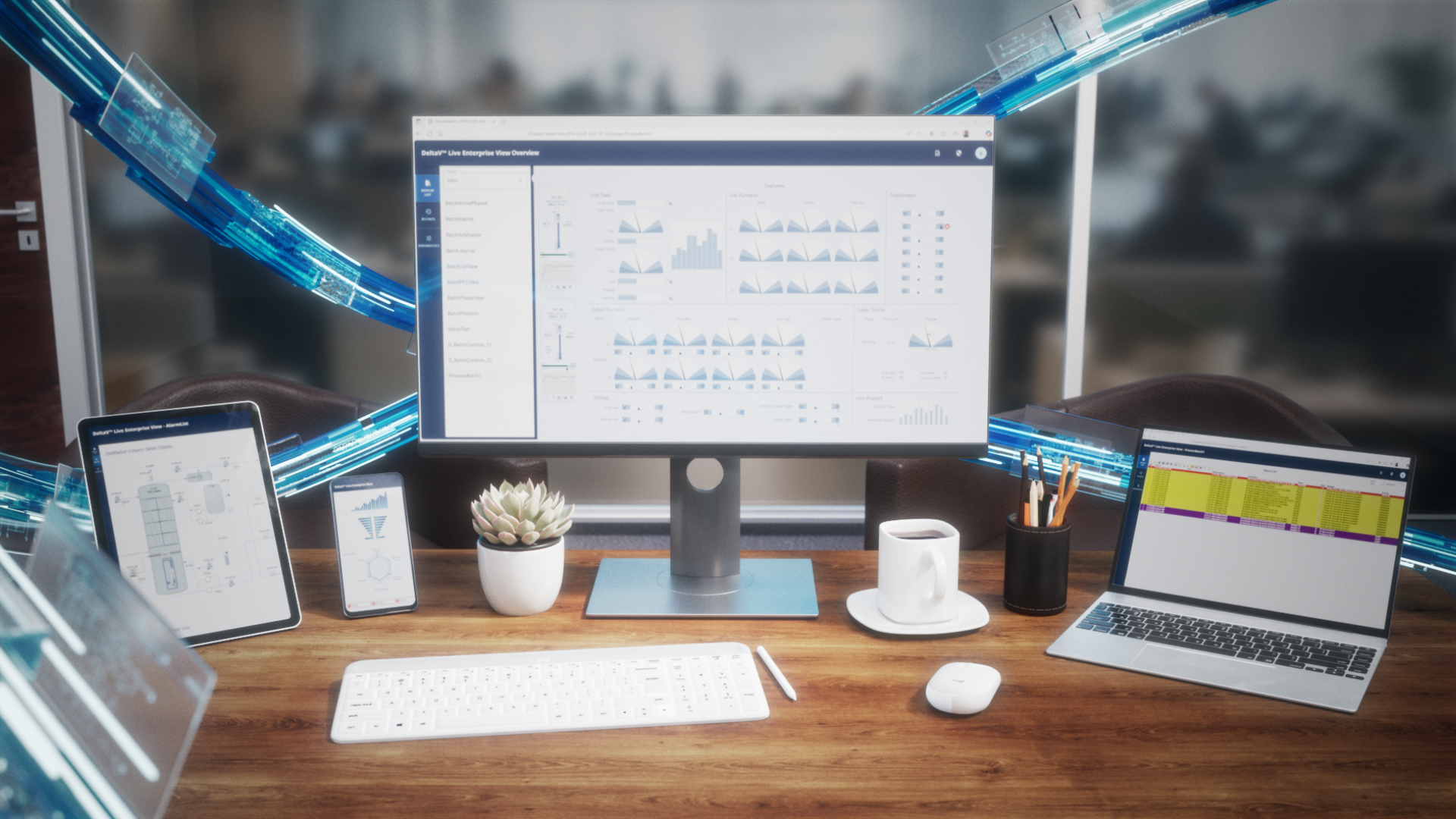
Fortunately, today’s advanced, modern HMIs offer a profoundly improved operator experience over legacy solutions. Modernizing with HMI software designed to integrate with the DCS provides increased adaptability, along with the tools necessary to easily deliver situational awareness, error reduction and improved response from plant personnel (Figure 1).
More adaptable interfaces
One of the primary challenges teams face in delivering high-quality, effective HMIs comes in the earliest stages: configuration and deployment. Today’s teams are leaner than ever, and expert personnel can be hard to come by. As a result, finding staff who not only have the skills to develop complex graphics and custom interfacing to the control system, but also the time to do so, is extremely rare. Therefore, today’s teams are looking for solutions that quickly enable easy configuration and seamless integration to the DCS out of the box.
Modern HMI software empowers teams to be more agile in their display development. The most advanced solutions provide a palette of pre-defined and pre-configured graphical elements that designers can use to quickly and easily add new units or operations, or to edit existing ones. The graphical elements are prepopulated with the tags and data operators will need to see, and they can be placed on displays using simple drag-and-drop techniques. Once displays are created or adjusted, editors can publish the updates, and the software will then automatically notify operators that a change is available, empowering them to perform the update when it will not disrupt operations.
Modern HMI software is also designed to integrate seamlessly with the DCS to ensure no complex, custom engineering is necessary, helping reduce setup time, while improving long-term performance and stability.
Improved situational awareness
Another critical advantage of modern HMI software is its ability to improve operator awareness and response time. ISA standards, such as ISA101.01 HMI Usability and Performance, focus heavily on benchmarking, and improving situational awareness and providing teams with software to drive at-a-glance understanding is a key requirement.
First and foremost, operators should be able to easily see and understand the information on the screens in front of them. Modern HMI software leverages the latest technologies, such as HTML5, to ensure graphics can easily be accessed across different platforms and screen sizes with no additional work required. The software also provides a wide range of theme options to help adjust visibility in differing conditions, such as those present in low-light environments.
Operators also need fast access to effective information to quickly and easily navigate their screens. Instead of the traditional long lists of displays operators must choose from, modern HMI software provides customization capabilities, such as a hierarchical view to let teams build the layouts that perform most efficiently for their workflows. For example, a team might want to organize by different plant areas, or even different display types, for example using a high-level plant key performance indicator (KPI) versus a display drilled down into a distillation column.
Graphical elements in modern HMI software also make it easier for operators to dive deeper into their displays for more information when necessary. Such solutions require fewer actions to gather more information, and they provide tools like always-on-top watchlists, where users can drag and drop important process variables into a dialog box that stays visible no matter where the operator navigates in the HMI.
The most advanced modern HMIs can even provide users with connectivity to external resources critical to situational awareness via a secure web interface. Web interfaces empower teams to embed connections to content hosted outside of the control system, such as an advanced process control display, directly in the operator graphics rather than on a detached application station with a separate display.
However, it is not just operators who need improved situational awareness. Other critical plant personnel—supervisors, production managers, data analysts and others—need to keep up with what is happening in the plant, even if they are not in the control room. Traditionally, organizations would spend significant capital to recreate graphics outside of the control room, only to end up with a different interface that was unreliable, difficult to update, and challenging to use. Today’s most advanced HMI software includes enterprise view tools that allow any authorized user to connect to a read-only version of the same graphics from the control room in remote locations, providing real-time access to all the information they need, without the risk of disrupting operations.
HMI design can reduce risk of operator errors
Eliminating operator errors is a critical area of focus for plants trying to increase safety and reduce unplanned downtime. However, as staffing numbers shrink, most operators see their sphere of influence expanding, drawing their attention in several different directions throughout a shift. The more difficult it is to focus on the current operating state, the more likely the chance that an operator will make a mistake.
Modern HMI software helps organizations design operator interfaces with improved intentionality to highlight critical information. Watchlists help teams keep an eye on their most important variables by ensuring they are always in the field of vision, helping eliminate the chance an operator will make a mistake.
In addition, modern HMIs include functionalities such as sequential function chart (SFC) visualization, providing operators with guidance as they perform uncommon and/or challenging tasks. This type of visualization provides step-by-step guidance, drawn directly from the DCS, helping operators know exactly what they should be doing in every given moment of an event.
Faster response times from operators with HMI software
A key part of operating safely and efficiently is making sure operators can see issues nearly instantly, helping them perform rapid response. Modern HMIs provide clear alarm lists with critical alerts visible in multiple locations on the display for fast reference. The software should also be able to roll every alarm in every subsystem up to the top level for easy notification, providing a top-down view of system state that also lets users drill down into individual alarms.
The most effective modern HMIs also provide alarm banners on every window, showing the highest-priority alarms at the bottom of each screen to help users understand their system status and prioritize action. Users can click those alarms and gain more information to support reasoning and remediation actions—enabled by collaborative tools where users can record probable cause, recommended actions, and other critical information associated with the alarm.
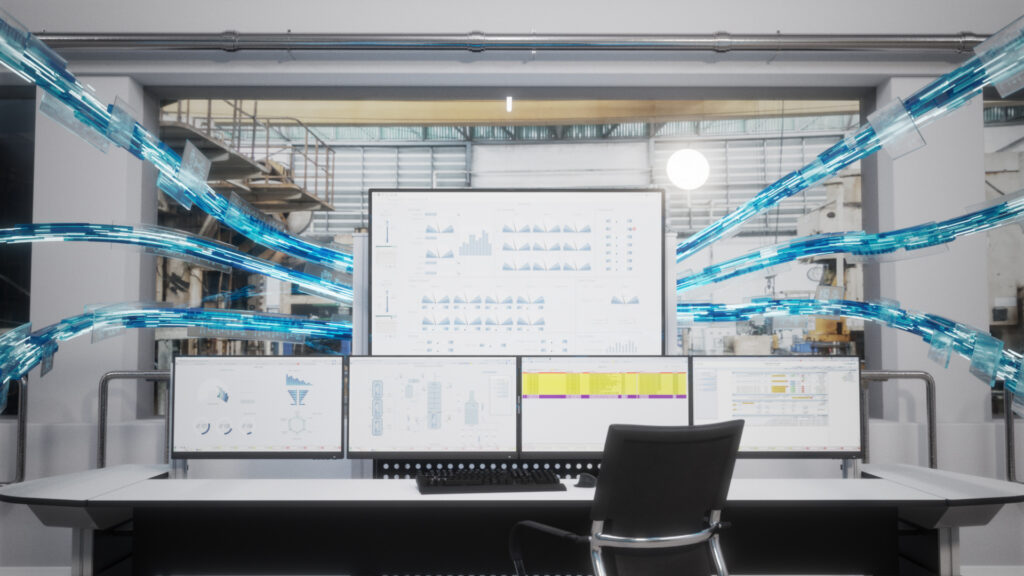
Modern HMI tools are also increasingly incorporating artificial intelligence (AI) to dive deeper into the alarms the system may report. Through an AI advisor dashboard, users can ask the system natural language questions, and the advisor can offer easy-to-understand suggestions backed up by historical data analysis and supporting documentation. With easy-to-access advice from a 24×7 expert advisor, operators of any experience level can respond faster to adverse conditions, helping make every operator the plant’s best (Figure 2).
A path to operational excellence with HMI software
As operations increase in complexity and operator teams decrease in size, organizations need tools that provide users with the fastest, most comprehensible path to action available. Modern HMI software leverages the newest technologies to deliver a streamlined, intuitive interface to critical plant personnel, helping them keep a finger on the pulse of operations to increase safety, reduce unplanned downtime, and drive competitive advantage—even when lean teams must operate with limited resources.
Sesh Natarajan serves as director of product marketing for Emerson’s Process Systems and Solutions business. Edited by Mark T. Hoske, editor-in-chief, Control Engineering, WTWH Media, [email protected].
Keywords
Human-machine interface, HMI, HMI software design
Consider this
How does your human-machine interface software reduce risk of operator errors?
You also might like
Also from Emerson, read:
Lifecycle-ready AI: unlocking value at every stage of process manufacturing
Learn more about human-machine interfaces from Control Engineering.